 MANEF
MANEFMSO
Bring terminals, files and AI tools into a workspace that runs on your own machine.
For People and teams operating their own development or server workspace.
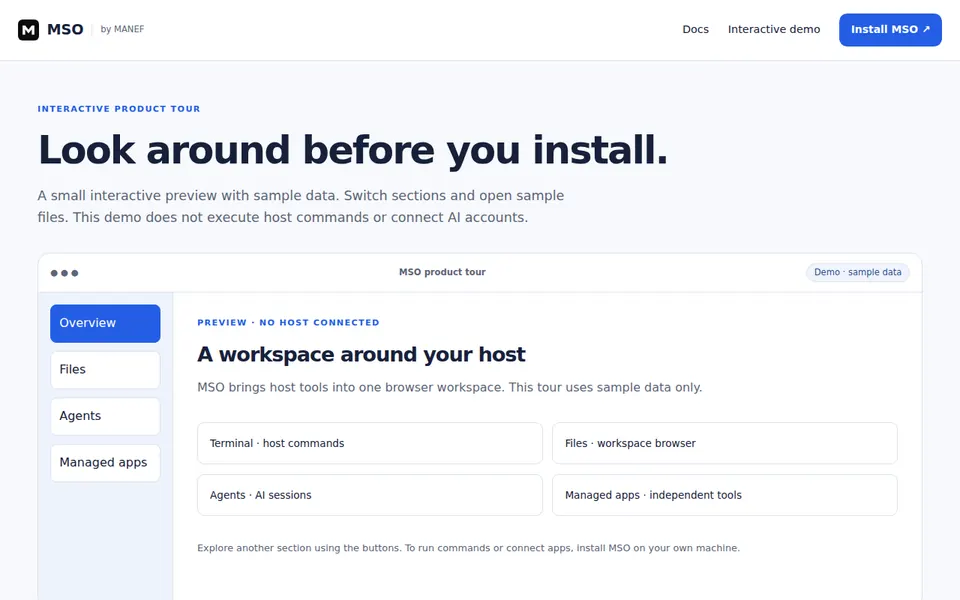
MSO
What you can explore
Explore before installing
Open Files and preview README.md in the sample tour.
Choose your own host
Follow the platform guide to keep the workspace on a machine you operate.
Bring your tools together
Use terminals, files and managed apps with their own runtime requirements.
A task to try
As a host owner, I want to explore a sample workspace before choosing a supported installation platform.
Your first useful task
Check the requirements, follow the first step, then review the result.
What you need
A browser for the tour. Installation supports Linux, macOS/Linux guests, Windows/WSL2 and supported Android guests; iPhone/iPad are clients of an installed host.
Start here
Open the sample tour, select Files, then choose README.md to preview an example workspace file.
Explore the sample tourWhat you get
Understand the workspace before deciding where to install it. The tour runs on sample data.
Availability
Public product / guide
Public guides and sample tour are available. Host execution and roles belong to the separately installed runtime.
Published by: MANEF
Useful next tools
Explore these separately. Related listings do not imply an active integration.
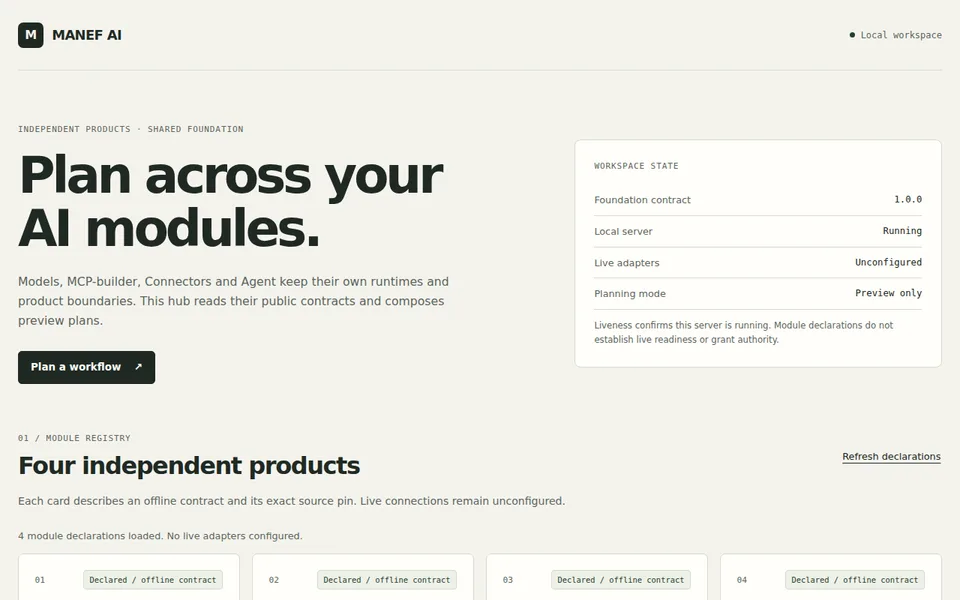
MANEF AI
A reviewed workspace that pins Manef's model, connector and agent-context modules.
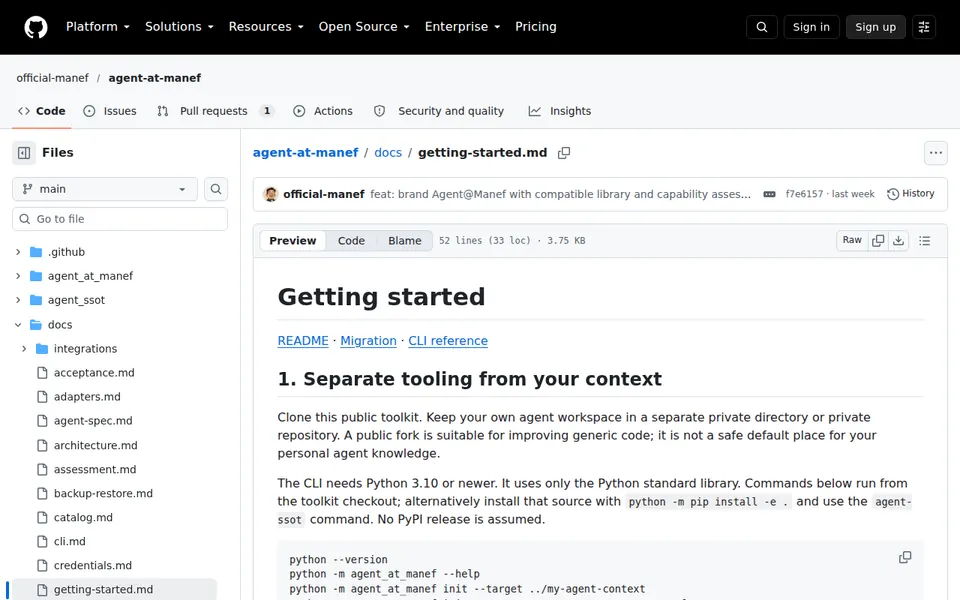
Agent@Manef
Define, review, reconcile and recover agent context across platforms.
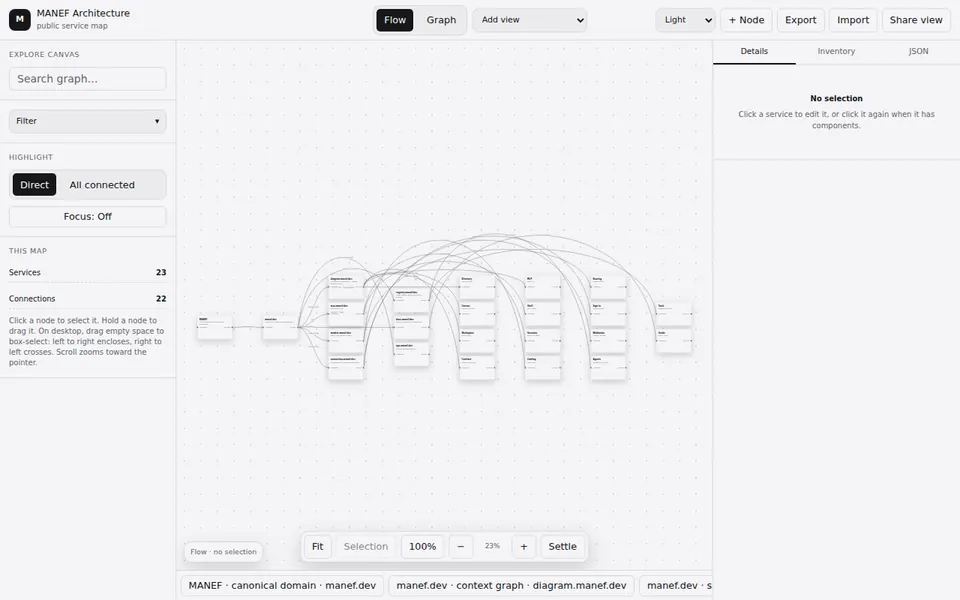
Manef Diagram
Create diagrams and inspect services, components and architecture dependencies.
Need help choosing?
Describe your setup and the task you want to finish.